

Eliminate having to follow up on products which are currently not in stock, as soon the product you are looking for is back in stock we will notify you. Which saves you time, here's how it works:
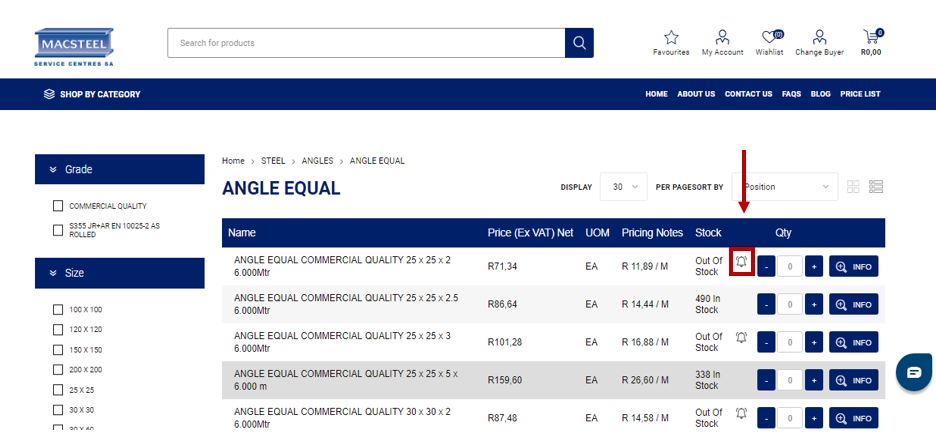
a) Click on the bell on the right of the product next to “Out Of Stock” if you wish to be notified when products are back in stock.
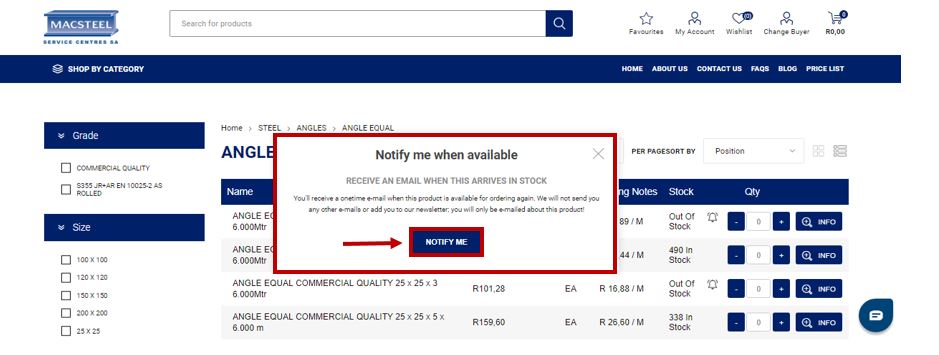
b) Click on the "Notify Me" button on the pop up and you will receive an email notification when the product is back in stock.
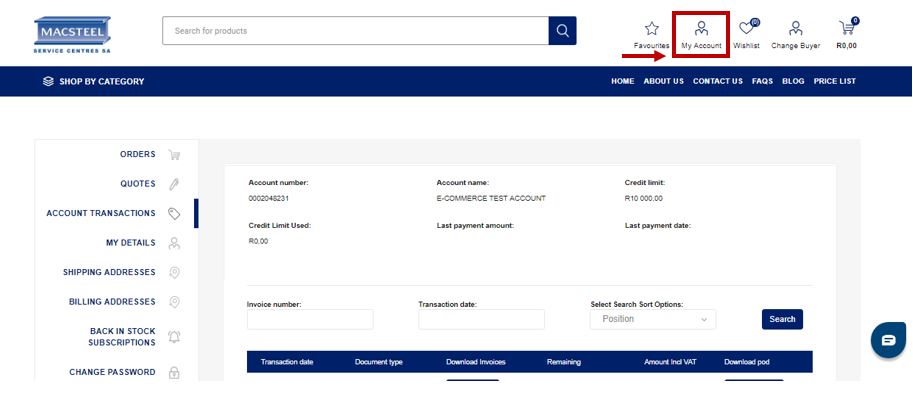
c) To view the products that you have requested to be notified about when they are back in stock, click on the "My Accounts" icon and then on "Back in Stock Subscriptions".
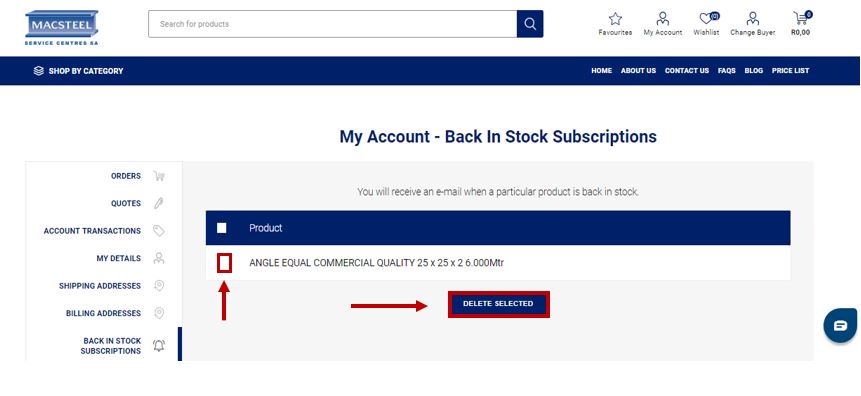
d) If you no longer wish to be notified when the product is back in stock you may delete your request for a reminder by clicking on the box next to the product and on "Delete Selected".


 Comalytics